04 · macOS app
Tyler
A home for every window.
A macOS app for arranging windows, designed and built by me because none of the tools I tried worked the way I wanted.
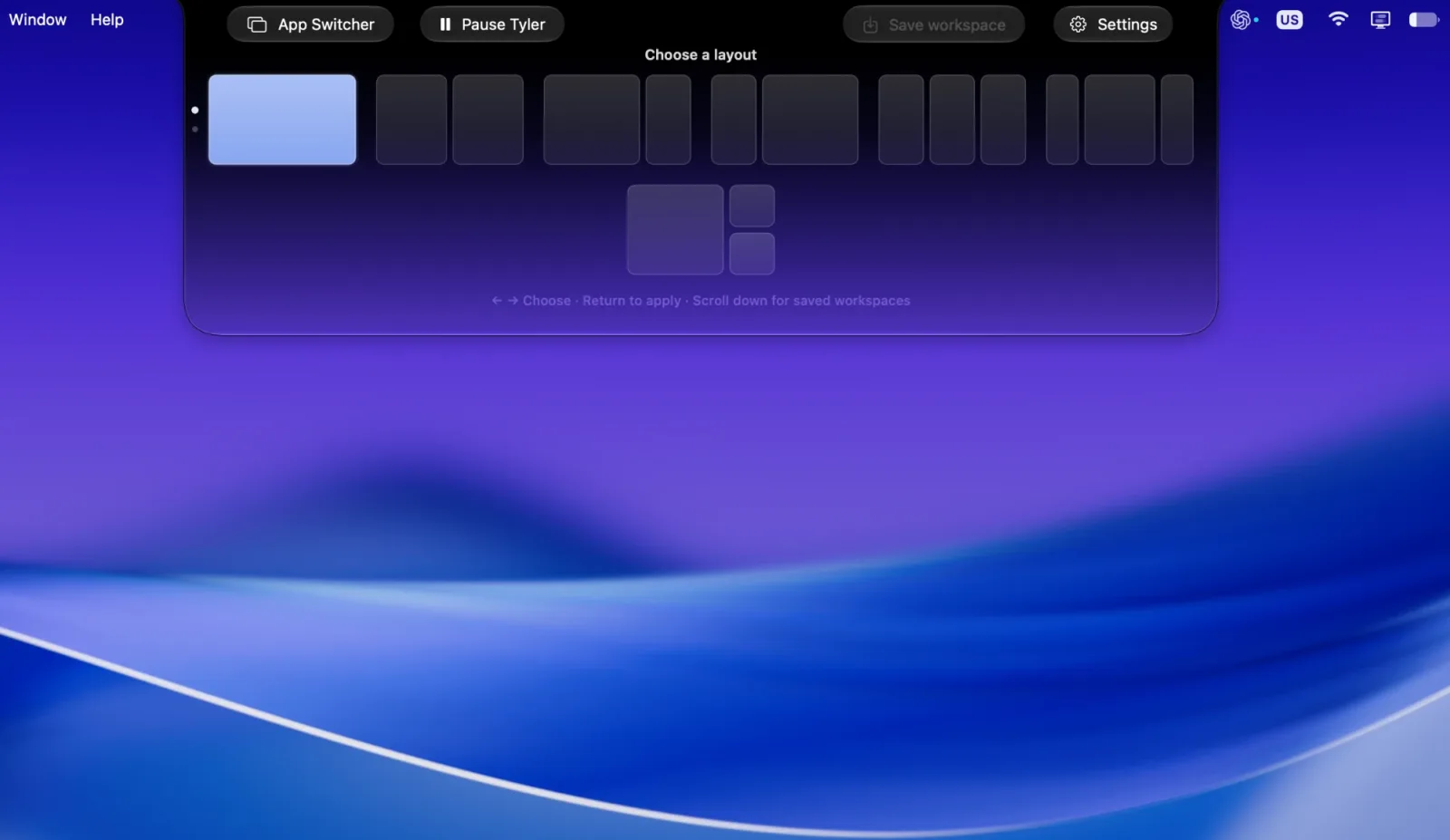
I like organised chaos: lots of windows, each exactly where I want it. I tried the popular window managers and launchers, and none of them was quite it, so I designed and built my own. It turned out good enough to share, so it is becoming a product.
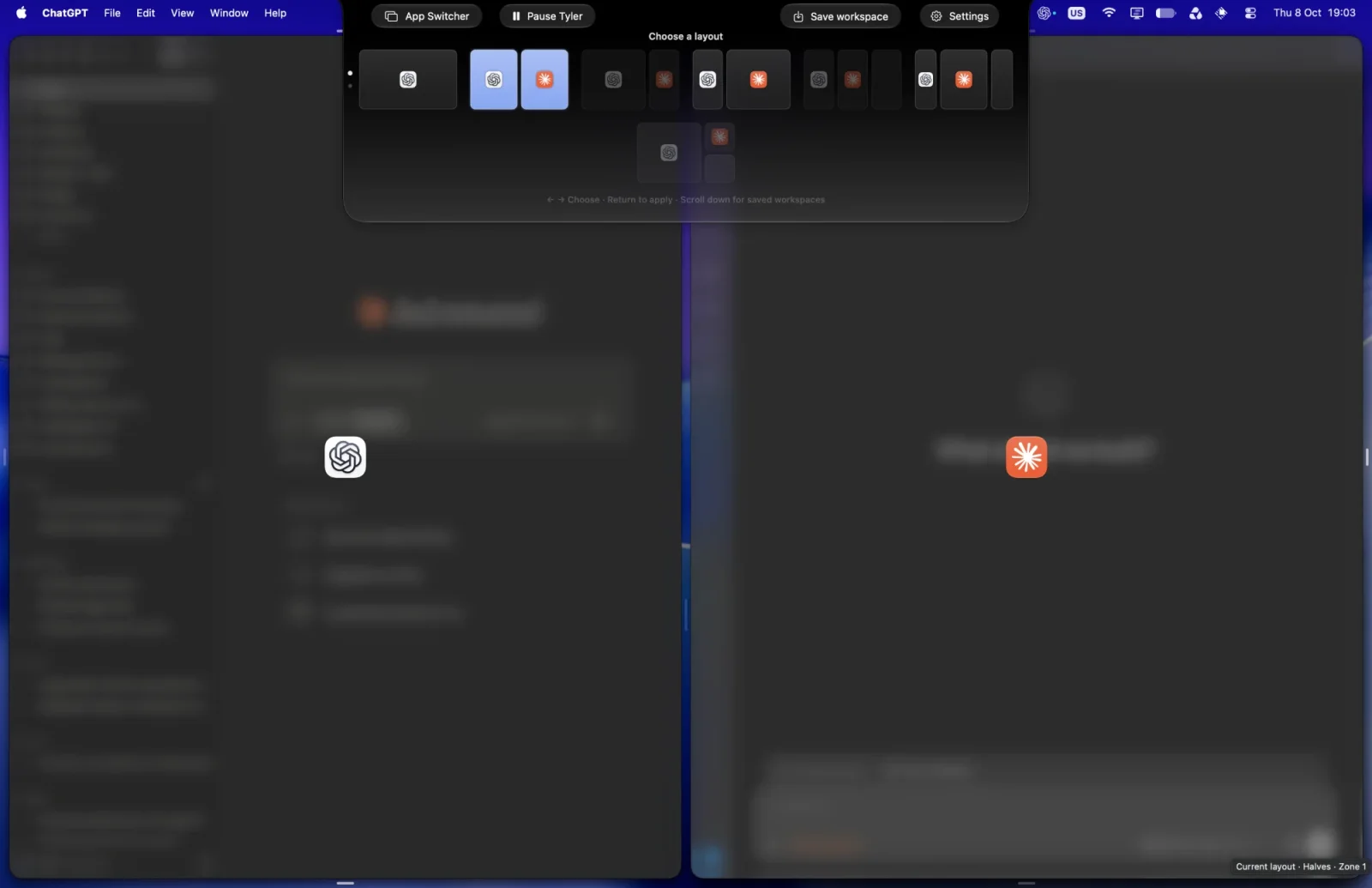
Move the pointer to the top of the screen and a Liquid Glass panel grows out of the MacBook’s notch with your favourite layouts, one click away. Scroll it for saved workspaces: whole sets of apps you can bring back in one go.
Native apps play by different rules than websites and web apps. Making Tyler feel at home on the Mac took a lot of quiet optimisation, so it stays light, fast and elegant. And there is something deeply satisfying about building a tool that works with the computer itself, beyond the browser.
Designed and coded by me in Xcode, with AI as a pair programmer. A few years ago this would have stopped at a prototype.
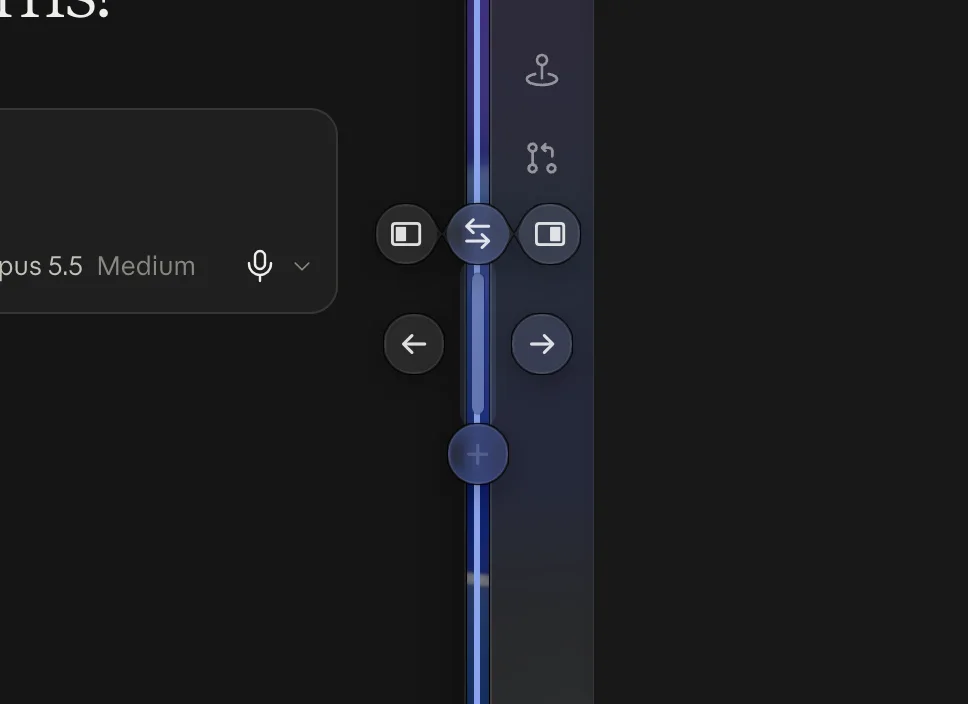
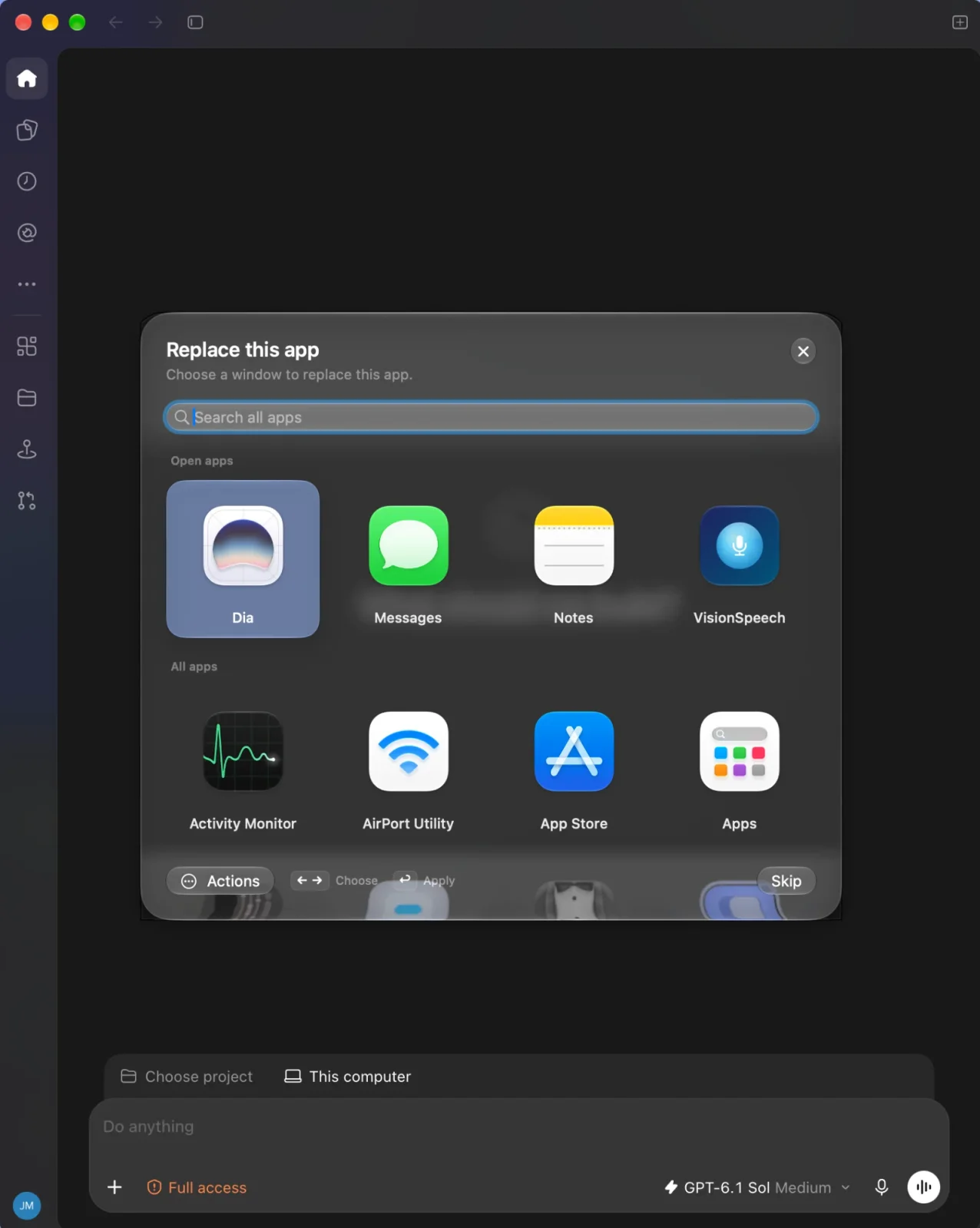
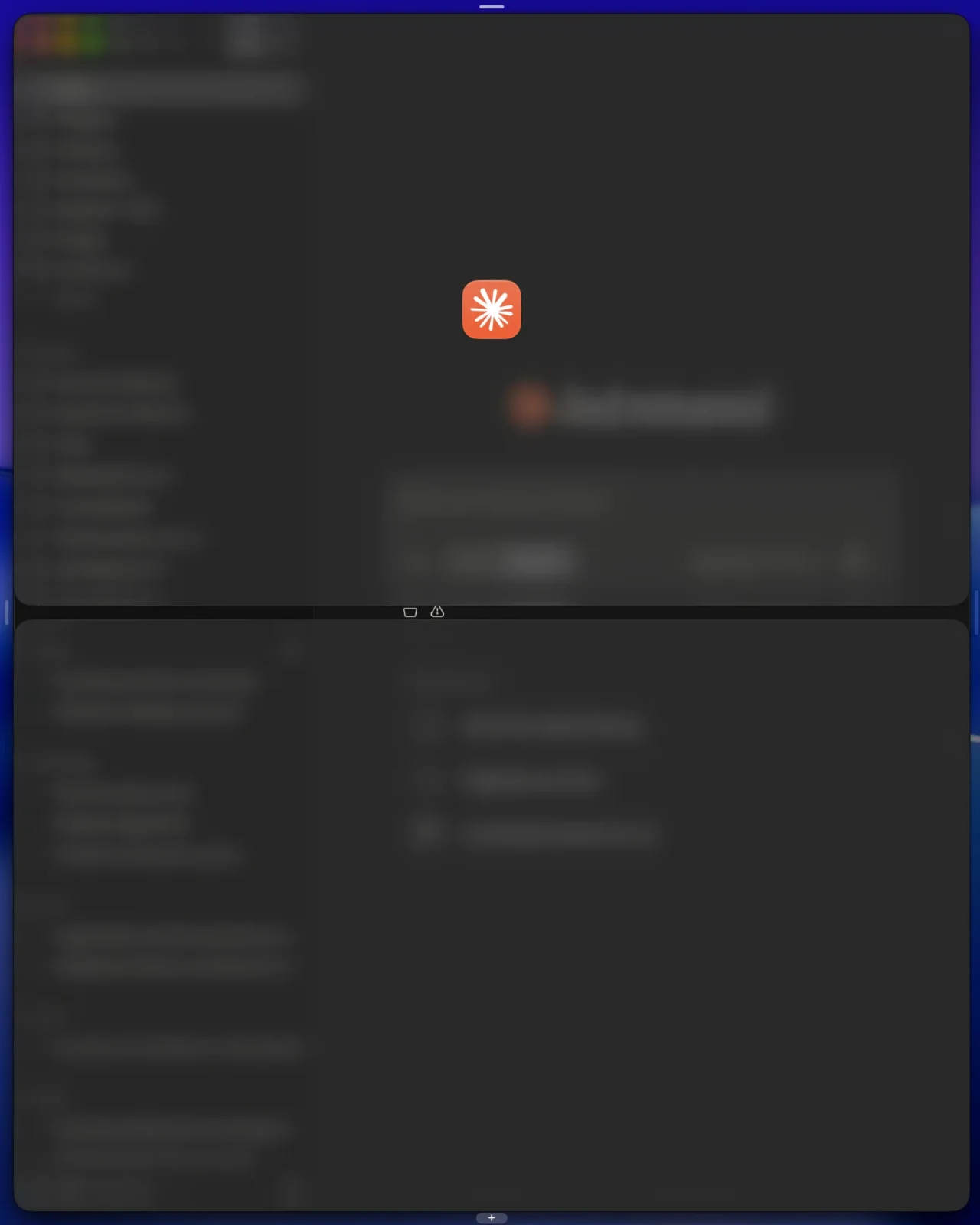
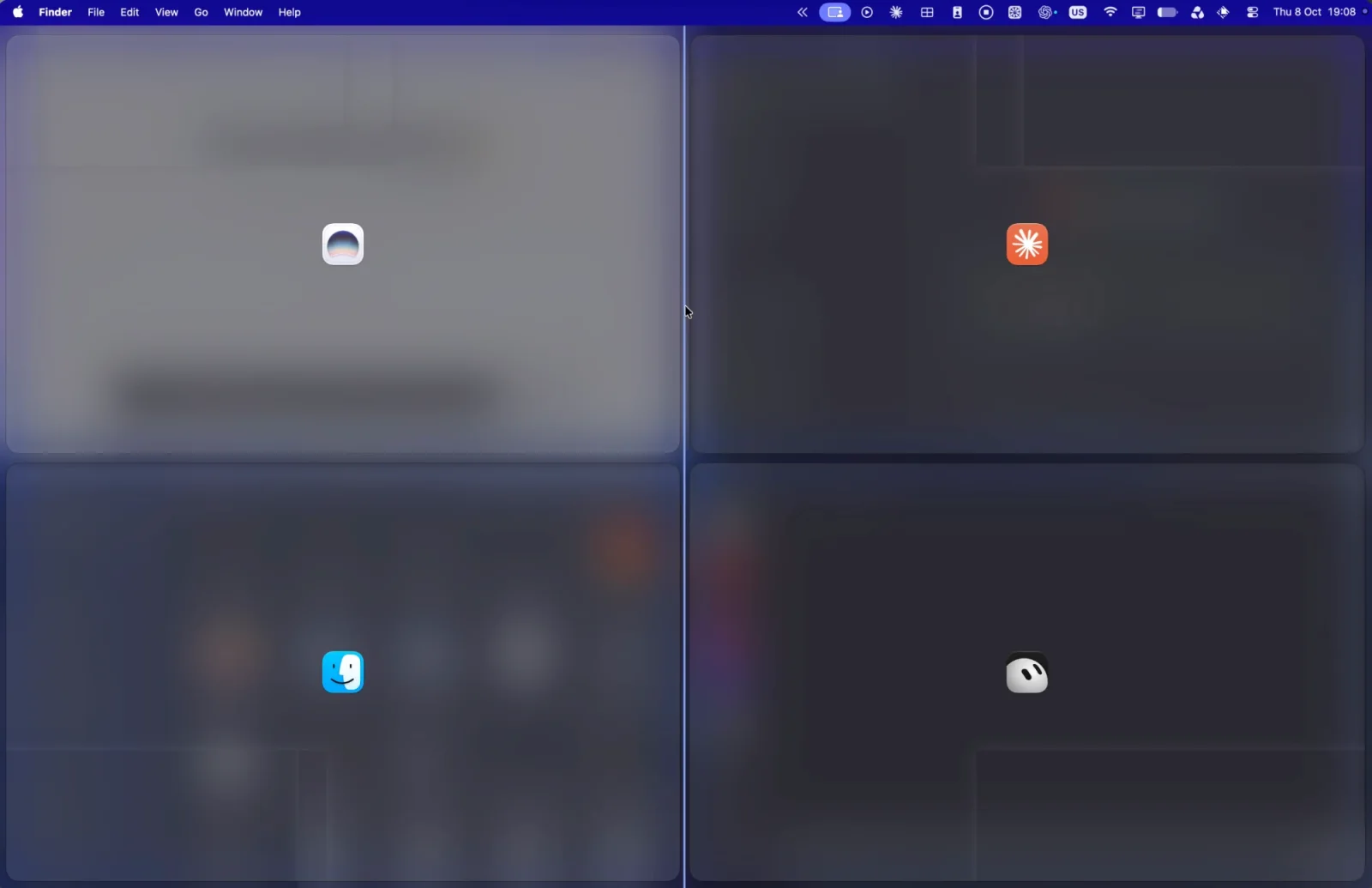
Still frames of the details that move too fast to catch in the clips: the handle between windows, the layout panel, the app picker and windows settling into place.